
Logitech MX Keys S Wireless Keyboard — Low-Profile, Backlit (Pale Grey)
Why we picked it: A longtime desk favorite that pairs precise, quiet keys with backlighting that adapts to your environment.
• Low-profile, spherically-dished keys for fluid and quiet typing
• Smart backlit keys that brighten as your hands approach
• Connects to up to 3 devices via Bluetooth or the Logi Bolt receiver
• USB-C quick charging with up to 10 days of use on a full charge
Check the latest price, availability, and options directly on Amazon.
As an Amazon Associate I earn from qualifying purchases.
Why It’s Trending
- The MX Keys S remains a core standard in office and home workstations due to ongoing interest in quiet, laptop-style ergonomic desk setups. Frequent inclusion in multi-device productivity guides and adoption of the secure Logi Bolt wireless protocol have maintained strong category relevance.
Key Features
- Low-profile spherically dished keys engineered for fingertip shape and quiet scissor-switch actuation
- Smart backlighting equipped with proximity detection and ambient light sensors that adjust automatically
- Dual wireless connectivity via Bluetooth Low Energy and the included Logi Bolt USB receiver
- Easy-Switch functionality to pair and toggle seamlessly among up to three devices
- Rechargeable internal battery delivering up to 10 days with backlighting or up to 5 months with lighting turned off
- Customizable automation and macros through the Logi Options+ app with Smart Actions support
- Professionals, programmers, and multi-device multitaskers who prefer a quiet, low-profile typing experience and need quick switching between different computers.
- Competitive gamers requiring high polling rates, mechanical switch enthusiasts who want swappable components, or users who require adjustable tilt feet.
- Smooth, tactile, and whisper-quiet typing feel suitable for shared workspaces
- Effortless multi-device switching across Windows, macOS, and Linux workflows
- Sturdy, weighted construction with minimal deck flex
- Smart proximity sensors activate illumination only when hands approach to conserve energy
- Comprehensive software customization for productivity shortcuts and lighting controls
- Battery life decreases drastically from months down to days when backlighting remains enabled
- Fixed typing angle with no built-in incline adjustment legs
- USB-C port is strictly for charging and does not support wired data transmission
- White key backlighting against the pale grey keycaps can cause low contrast in bright ambient lighting
Check the latest price, availability and options directly on Amazon.
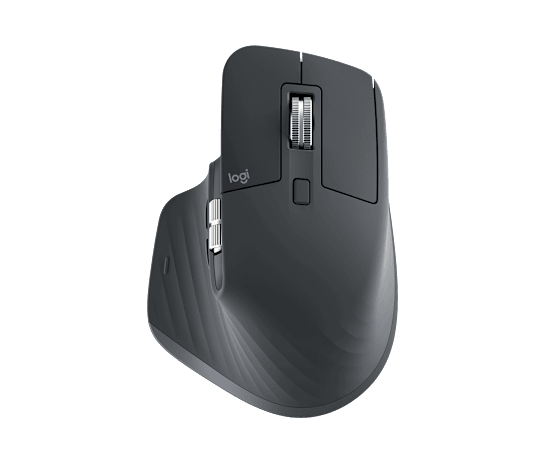

Logitech MX Keys S Wireless Keyboard Review
This Logitech MX Keys S Wireless Keyboard review covers its key features, strengths, limitations, who it may suit, and what to consider before buying. Our Logitech MX Keys S review covers a low-profile wireless keyboard built for fluid, quiet typing, with smart backlighting and multi-device switching. Why we picked it: A longtime desk favorite that pairs precise, quiet keys with backlighting that adapts to your environment. • Low-profile, spherically-dished keys for fluid and quiet typing • Smart backlit keys that brighten as your hands approach • Connects to up to 3 devices via Bluetooth or the Logi Bolt receiver • USB-C quick charging with up to 10 days of use on a full charge Check the latest price, availability, and options directly on Amazon. As an Amazon Associate I earn from qualifying purchases.
What Is the Logitech MX Keys S Wireless Keyboard?
Our Logitech MX Keys S review covers a low-profile wireless keyboard built for fluid, quiet typing, with smart backlighting and multi-device switching. Why we picked it: A longtime desk favorite that pairs precise, quiet keys with backlighting that adapts to your environment. • Low-profile, spherically-dished keys for fluid and quiet typing • Smart backlit keys that brighten as your hands approach • Connects to up to 3 devices via Bluetooth or the Logi Bolt receiver • USB-C quick charging with up to 10 days of use on a full charge Check the latest price, availability, and options directly on Amazon. As an Amazon Associate I earn from qualifying purchases.
Key Features
- Low-profile spherically dished keys engineered for fingertip shape and quiet scissor-switch actuation
- Smart backlighting equipped with proximity detection and ambient light sensors that adjust automatically
- Dual wireless connectivity via Bluetooth Low Energy and the included Logi Bolt USB receiver
- Easy-Switch functionality to pair and toggle seamlessly among up to three devices
- Rechargeable internal battery delivering up to 10 days with backlighting or up to 5 months with lighting turned off
- Customizable automation and macros through the Logi Options+ app with Smart Actions support
What We Like
- Smooth, tactile, and whisper-quiet typing feel suitable for shared workspaces
- Effortless multi-device switching across Windows, macOS, and Linux workflows
- Sturdy, weighted construction with minimal deck flex
- Smart proximity sensors activate illumination only when hands approach to conserve energy
- Comprehensive software customization for productivity shortcuts and lighting controls
Things to Consider
- Battery life decreases drastically from months down to days when backlighting remains enabled
- Fixed typing angle with no built-in incline adjustment legs
- USB-C port is strictly for charging and does not support wired data transmission
- White key backlighting against the pale grey keycaps can cause low contrast in bright ambient lighting
Who Is It Best For?
Professionals, programmers, and multi-device multitaskers who prefer a quiet, low-profile typing experience and need quick switching between different computers.
Who Should Skip It?
Competitive gamers requiring high polling rates, mechanical switch enthusiasts who want swappable components, or users who require adjustable tilt feet.
Why Is the Logitech MX Keys S Wireless Keyboard Getting Attention?
The MX Keys S remains a core standard in office and home workstations due to ongoing interest in quiet, laptop-style ergonomic desk setups. Frequent inclusion in multi-device productivity guides and adoption of the secure Logi Bolt wireless protocol have maintained strong category relevance.
Similar Products to Consider
If you are comparing alternatives, these related RealPicks products may also be worth reviewing:
- Herman Miller Aeron Chair — Size B, Graphite
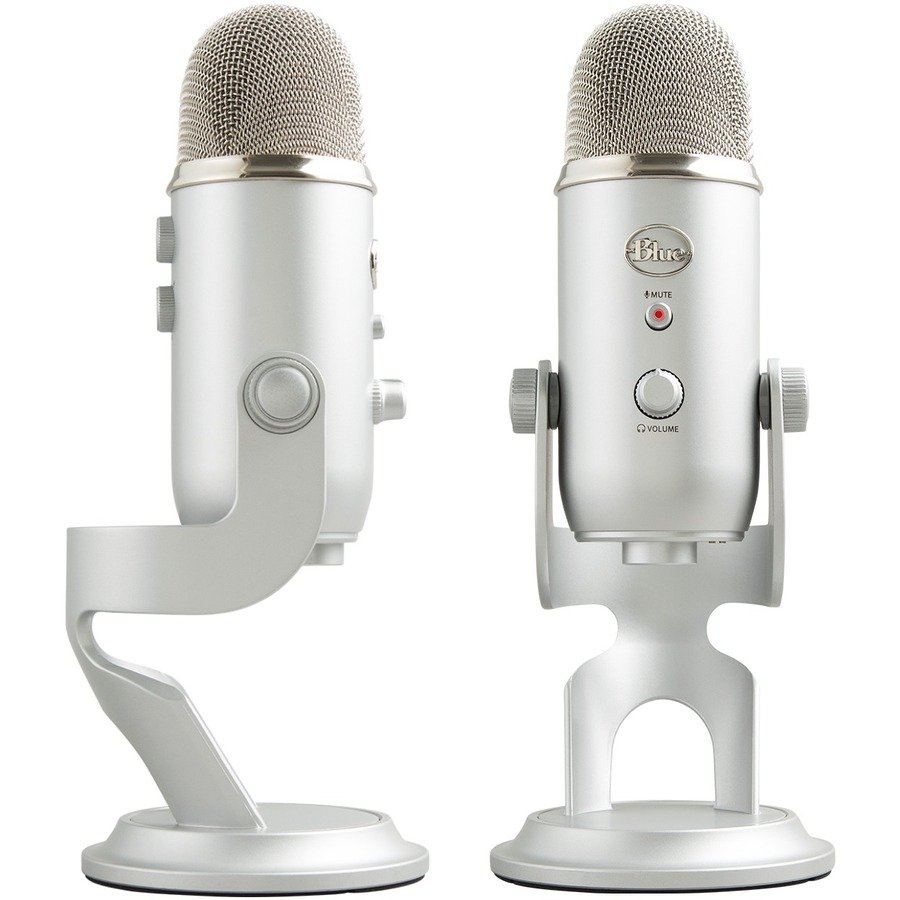
- Blue Yeti USB Microphone — Condenser Mic for Streaming & Podcasting (Silver)
- SIHOO M18 Ergonomic Office Chair — Mesh Back Desk Chair with Headrest