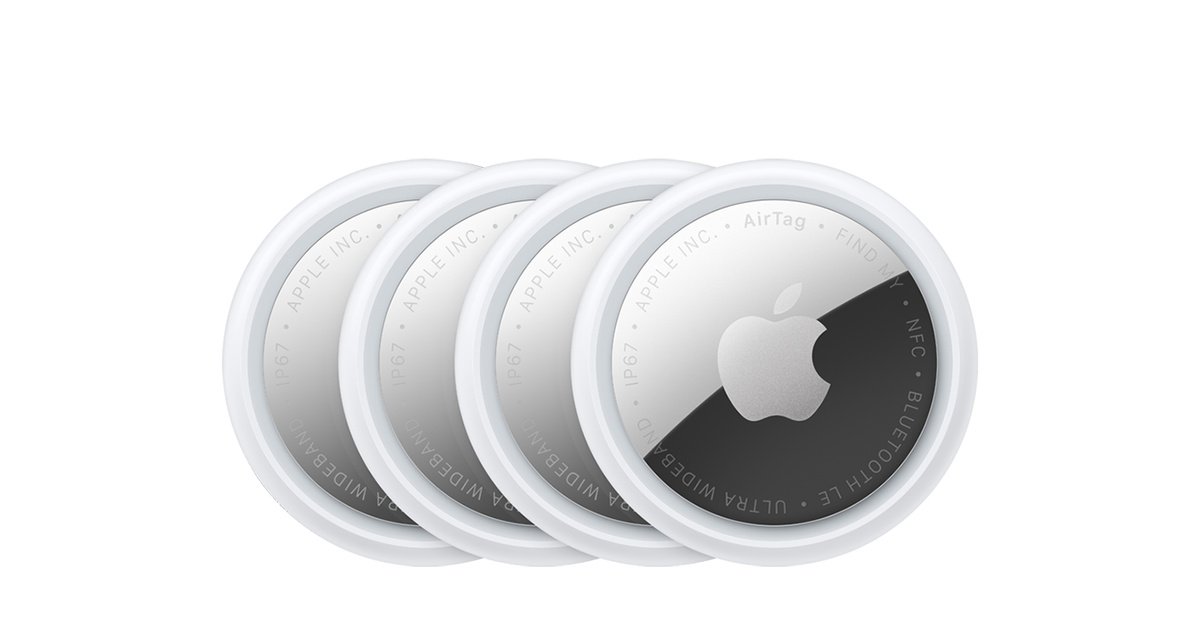
Losing your keys twice in one morning is annoying. Losing your wallet at the airport is a nightmare. Bluetooth trackers promise to fix both — but learning how to choose a Bluetooth tracker matters more than most people realize, because these small discs lock you into a phone ecosystem, a tracking network, and a feature set that differs wildly between brands. This guide explains what actually matters when buying one: phone compatibility, network size, precision finding, battery life, and range, so the tracker you buy is the one that finds your stuff.
Quick answer: for iPhone owners, an Apple AirTag is the safest bet — the Find My network is the largest of its kind, and Precision Finding walks you to your lost item on newer iPhones. For Samsung Galaxy users, the SmartTag2 is the natural match, with its UWB Compass View, a built-in keyring loop, and a battery that lasts up to 500 days in normal use. The golden rule: buy the tracker made for your phone first, then compare battery life, Bluetooth range, and water resistance.
How to Choose a Bluetooth Tracker for Your Phone
This is the single most important decision, and it overrides everything else. Trackers are ecosystem products — buy the wrong brand and half the features simply will not work.

iPhone owners
Get an AirTag. The second-generation AirTag upgrades the Ultra-Wideband chip for a longer Precision Finding range and a louder speaker, so it is easier to home in on a lost bag from across a parking lot. Setup is a single tap next to your iPhone, and every feature — from left-behind alerts to sharing a lost bag’s location with family — runs through Apple’s Find My app. Just know that setup and full features require an iPhone or iPad; an Android phone can only tap a lost AirTag with NFC to see your contact info.
Samsung Galaxy owners
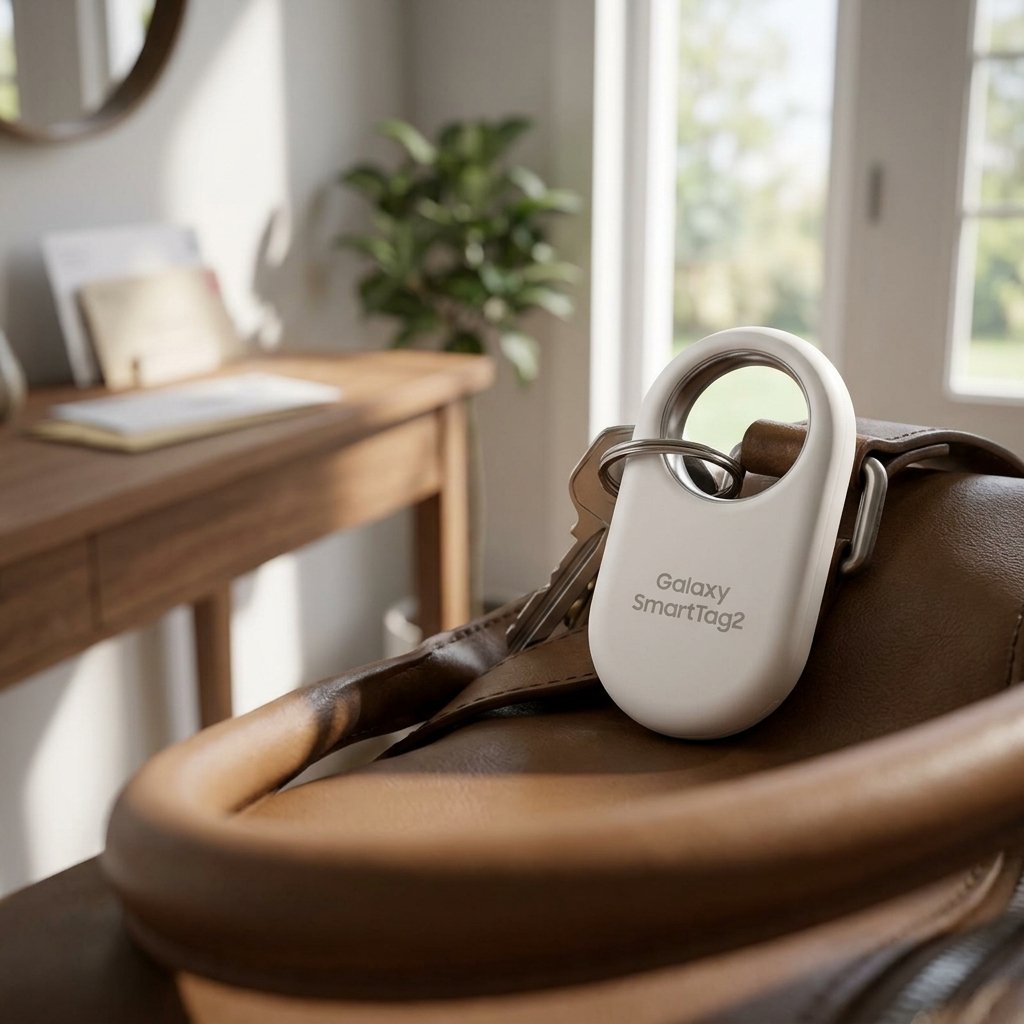
Get the Galaxy SmartTag2. It plugs into Samsung’s SmartThings Find network, adds an AR-style Compass View with directional guidance on UWB-capable Galaxy phones, and its single button can ring your misplaced phone or even trigger SmartThings routines. It needs a Galaxy smartphone or tablet, a Samsung account, and registration in SmartThings Find — Compass View additionally needs a UWB-enabled Galaxy phone.
Mixed or non-Samsung Android households
Neither option above is ideal. Apple locks the AirTag to iPhones, and Samsung locks the SmartTag2 to Galaxy devices. If your household splits between iPhone and Android, a platform-agnostic tracker that works with both is worth considering — but know that third-party networks are far smaller, so a tag lost far from home is much harder to relocate.
How to Choose a Bluetooth Tracker by Network Size
Bluetooth range only finds things nearby. What finds your bag at the airport — or your wallet across town — is the crowd-sourced network: every compatible phone that silently passes near your tag and anonymously reports its location.
- Apple Find My: the largest network by far, powered by hundreds of millions of iPhones, iPads, and Macs, all encrypted and anonymous. This is the AirTag’s true superpower.
- Samsung SmartThings Find: uses nearby Galaxy devices, but it is opt-in, so its effective coverage is much smaller — especially outside cities.
- Third-party networks: smaller still, which is why a budget tracker can be great in your house and useless on vacation.
Rule of thumb: if you travel, network size matters more than any hardware spec. Slip a tracker into your checked bag before every flight — and if you are still picking that bag, see our guide on how to choose the right luggage.
What Precision Finding and UWB Actually Do
Ultra-Wideband (UWB) is a short-range radio that measures distance and direction far more accurately than Bluetooth. When your phone supports it, UWB turns “your keys are somewhere nearby” into an on-screen arrow with a live distance readout.
- AirTag 2: Precision Finding guides you to within inches on compatible iPhones, with a longer range than the first generation thanks to the upgraded UWB chip.
- Galaxy SmartTag2: Compass View points you toward the tag with distance and directional arrows on UWB-capable Galaxy phones, plus a “Search Nearby” mode.
Without UWB you still get the map location and can ring the tag to hear it — most lost items are found that way. Also compare Bluetooth range for close-range finding: the SmartTag2 reaches up to 120 meters in open space over Bluetooth 5.3, while the AirTag’s typical range is shorter. Indoors, walls and shelves cut every tracker down to tens of meters.
Battery Life, Durability, and Attachability
Trackers live on keys, collars, and in bags for years — these practical details matter as much as the tech.
Battery life
Both of our picks run on a single replaceable CR2032 coin cell, which beats sealed batteries that force you to replace the whole tag. The AirTag is rated for about a year of typical use; the SmartTag2 stretches to about 500 days in normal mode, or up to 700 days in Power Saving mode. A coin cell costs almost nothing, so “replaceable” effectively means “lasts forever.”
Durability
Look for an IP67 rating — dust-tight and able to survive 30 minutes under a meter of water. Both the AirTag and the SmartTag2 carry it, so rain, sweat, and the bottom of a puddle-covered backpack are non-issues.
Attachment
This is where designs diverge. The AirTag has no keyring hole — you need a holder or case to attach it to anything. The SmartTag2 is slimmer (about 8 mm), lighter (under 14 grams), and has a built-in metal keyring loop, so it clips straight onto keys, zippers, or a pet collar with no accessories.
Extra Features Worth Having
- Left-behind alerts: your phone warns you when you walk away without the tag — the feature that actually prevents most losses. Both Apple and Samsung offer it.
- Lost Mode with NFC: mark a tag as lost, and anyone who finds it can tap it with their phone to see your contact info — no app needed on their end.
- Smart button: the SmartTag2’s button can ring your misplaced phone or trigger SmartThings home routines; handy, not essential.
- Location sharing: you can temporarily share an AirTag’s location with family members or even an airline when a bag goes missing.
- Unknown-tracker alerts: both platforms warn you if an unfamiliar tracker appears to be traveling with you. This is a safety feature, not a bug — never use a tracker to follow a person.
Our Picks: Bluetooth Trackers Worth Buying
Apple AirTag 2 — Best for iPhone users. The newest generation brings an upgraded UWB chip for longer-range Precision Finding, a louder speaker, IP67 water resistance, a replaceable battery that lasts about a year, and the unmatched reach of the Find My network.
Apple AirTag 4-Pack — Best value for iPhone households. The same AirTag technology in a four-pack, so you can tag your keys, wallet, bag, and luggage in one purchase instead of deciding which single item deserves protection.
Samsung Galaxy SmartTag2 — Best for Galaxy users. UWB Compass View, a built-in metal keyring loop, up to 500 days of battery life (700 in Power Saving mode), IP67 durability, and a button that can ring your phone or run SmartThings routines.
Bluetooth Tracker FAQs
Do Bluetooth trackers need a cellular plan or a subscription?
No. Trackers use Bluetooth plus crowd-sourced networks of other people’s phones — there is no monthly fee for the AirTag or the SmartTag2, and no cellular hardware inside.
Will an AirTag work with my Android phone?
Not for setup or tracking — AirTags require an iPhone or iPad. An Android phone can only tap a Lost Mode AirTag with NFC to see the owner’s contact info. Galaxy phone owners should buy the SmartTag2 instead.
Can someone use a tracker to follow me?
Both Apple and Samsung built in unknown-tracker alerts: iPhones warn you about unfamiliar AirTags traveling with you, and SmartThings Find does the same for SmartTag2s. Modern Android phones also detect unknown trackers. Using a tracker to follow a person is stalking and illegal.
How far away can a tracker find my lost item?
Nearby, it is limited by Bluetooth range — tens of meters, more in open space. Far away, any participating phone that passes near your tag updates its location on your map, which is exactly why network size matters more than hardware specs.
As an Amazon Associate I earn from qualifying purchases.