A video doorbell is one of the smartest first upgrades you can make to a home: it deters package thieves, lets you answer the door from anywhere, and records who’s been at your door when you’re not home. But with options ranging from simple 1080p models to 2K battery-powered units with advanced motion detection, it’s easy to pay for features you’ll never use — or miss the ones you’ll wish you had. Here’s how to choose a video doorbell that fits your home, your wiring, and your budget.
Resolution and Field of View: See the Whole Picture
- Aim for at least 1080p HD; 2K models are now common and make it easier to identify faces and read license plates.
- HDR (high dynamic range) helps when your porch is bright in one spot and shadowy in another.
- Field of view matters as much as resolution: roughly 150 to 180 degrees covers an entire entryway, while a narrow lens can miss a visitor standing off to one side.
- A head-to-toe (portrait) aspect ratio is genuinely useful — it lets you see packages left right at your door, not just the visitor’s face.
Battery vs. Wired: Pick Your Power Source
- Battery-powered doorbells install in minutes with no wiring — ideal for renters or homes without an existing doorbell. Expect to recharge every few weeks to a few months depending on motion traffic; cold weather shortens battery life.
- Wired models connect to your existing doorbell transformer (usually 16–24V AC) and deliver continuous power — which often unlocks continuous or pre-roll recording that battery models skip.
- Some models work both ways. Check what’s already in your wall before you decide: converting a battery setup to hardwired later is the expensive mistake to avoid.
Night Vision and Two-Way Talk
- Most doorbells use infrared night vision (black-and-white footage at night); premium models offer color night vision with a built-in spotlight.
- Two-way talk lets you speak with visitors from your phone — handy for delivery drivers and unexpected guests.
- Quick-reply voice messages are a nice extra when you can’t pick up.
Motion Zones, Alerts, and Storage Plans
- Customizable motion and privacy zones cut false alerts from passing cars and pedestrians — critical for a street-facing door.
- Person and package detection alerts (often AI-powered) are worth having if missed deliveries are your main concern.
- Storage is where the fine print lives: some brands only keep recorded video with a paid monthly plan, while others let you record locally to a hub, base station, or memory card with no ongoing fee. Decide where your recordings live before you buy, not after.
Smart Home Integration and Chime Options
- If you already use Alexa, Google Assistant, or Apple HomeKit, check compatibility so the doorbell feeds into your existing setup.
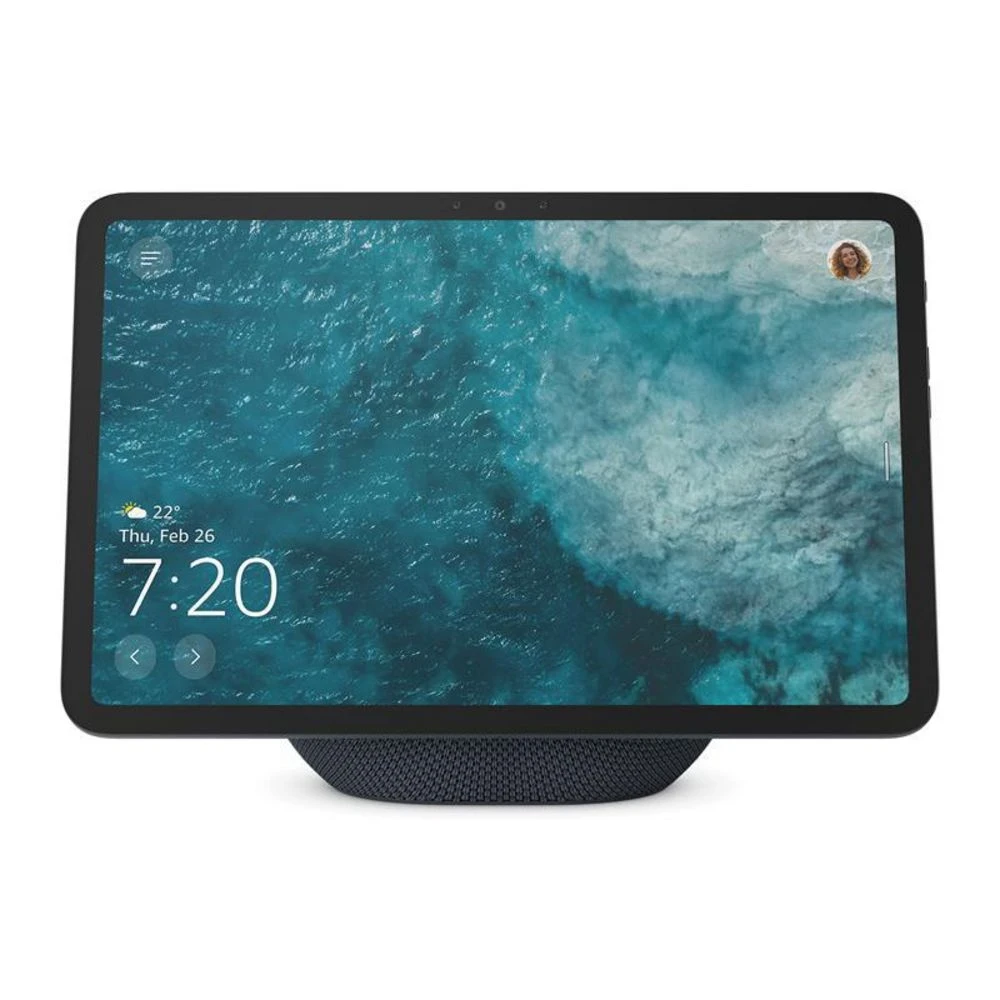
- A smart display in the kitchen or living room can act as your indoor chime — it shows who’s at the door and lets you talk to them without reaching for your phone.
- If you want to keep your existing mechanical chime, confirm the doorbell is compatible with it and with your transformer voltage.
Our Picks
Here are three picks from our site that work well together for a complete front-door setup:
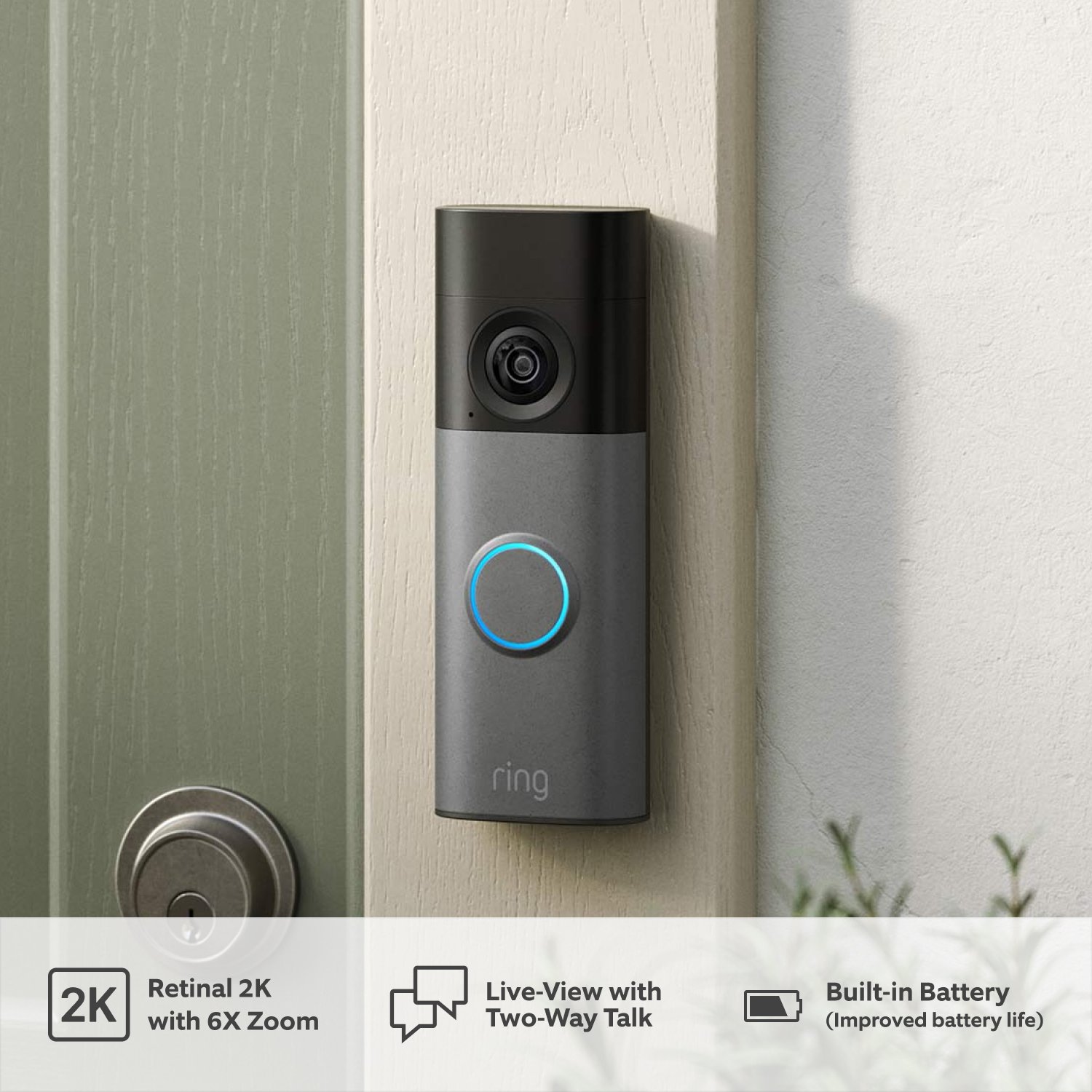
- Ring Battery Doorbell 2K (Newest Model) — Retinal 2K HDR video with a head-to-toe view, wire-free battery installation, and deep Alexa integration — the easiest full-featured upgrade for most homes.
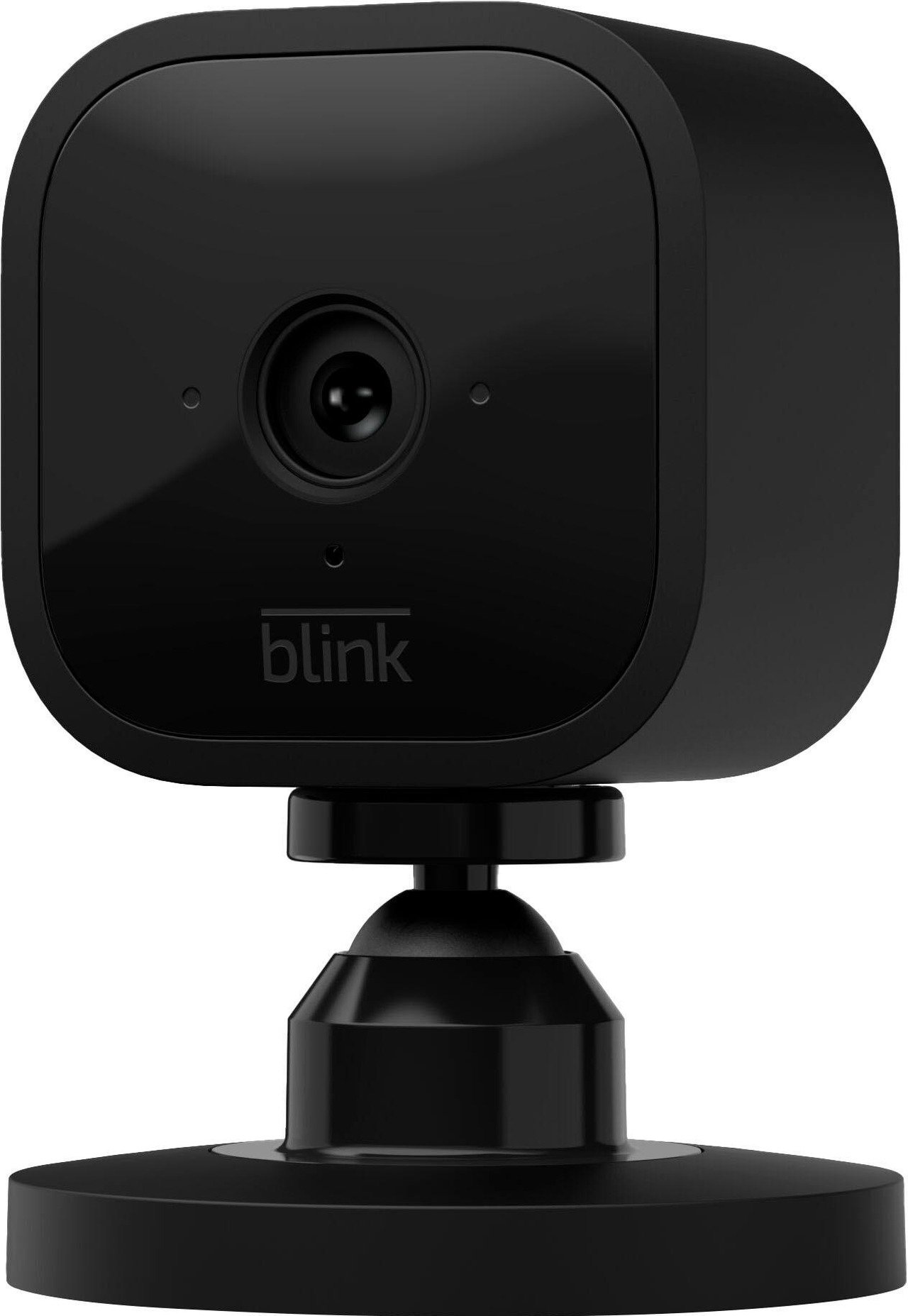
- Blink Mini 2K+ Security Camera — An affordable 2K plug-in camera that covers side doors, garages, and entryways alongside your doorbell; pairs with a Sync Module for local storage without a monthly plan.
- Amazon Echo Show 11 Smart Display — Turns any room into your front-door intercom: the doorbell rings on the display, you see the visitor, and you talk back hands-free.
Check the latest price, availability, and options directly on Amazon.
As an Amazon Associate I earn from qualifying purchases.